Embedding basics
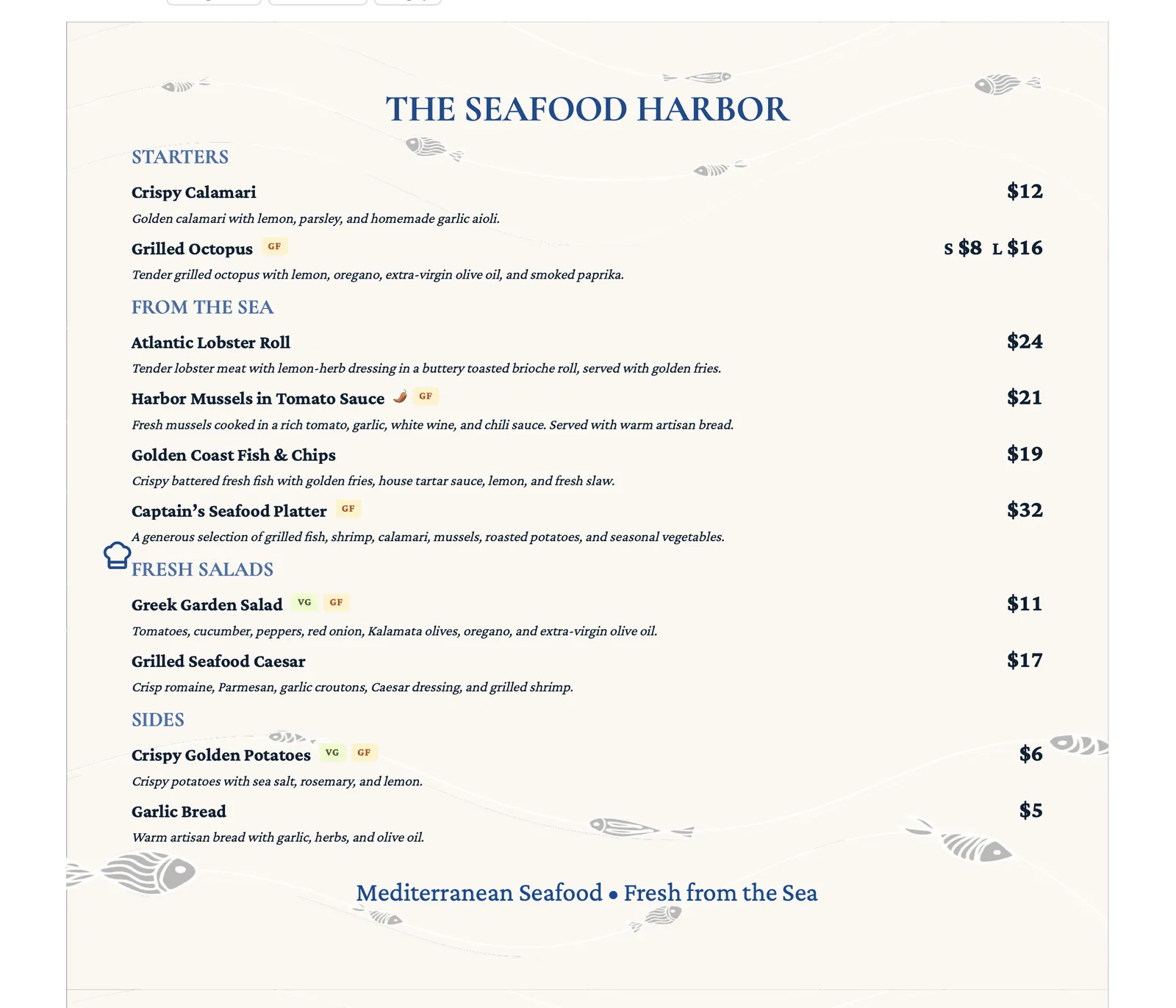
Embedding puts your live menu directly on a page of your own website, so diners never have to leave your site to see it. The code for this comes from Share & Embed, and it works on any site that lets you paste HTML.
Getting your embed code
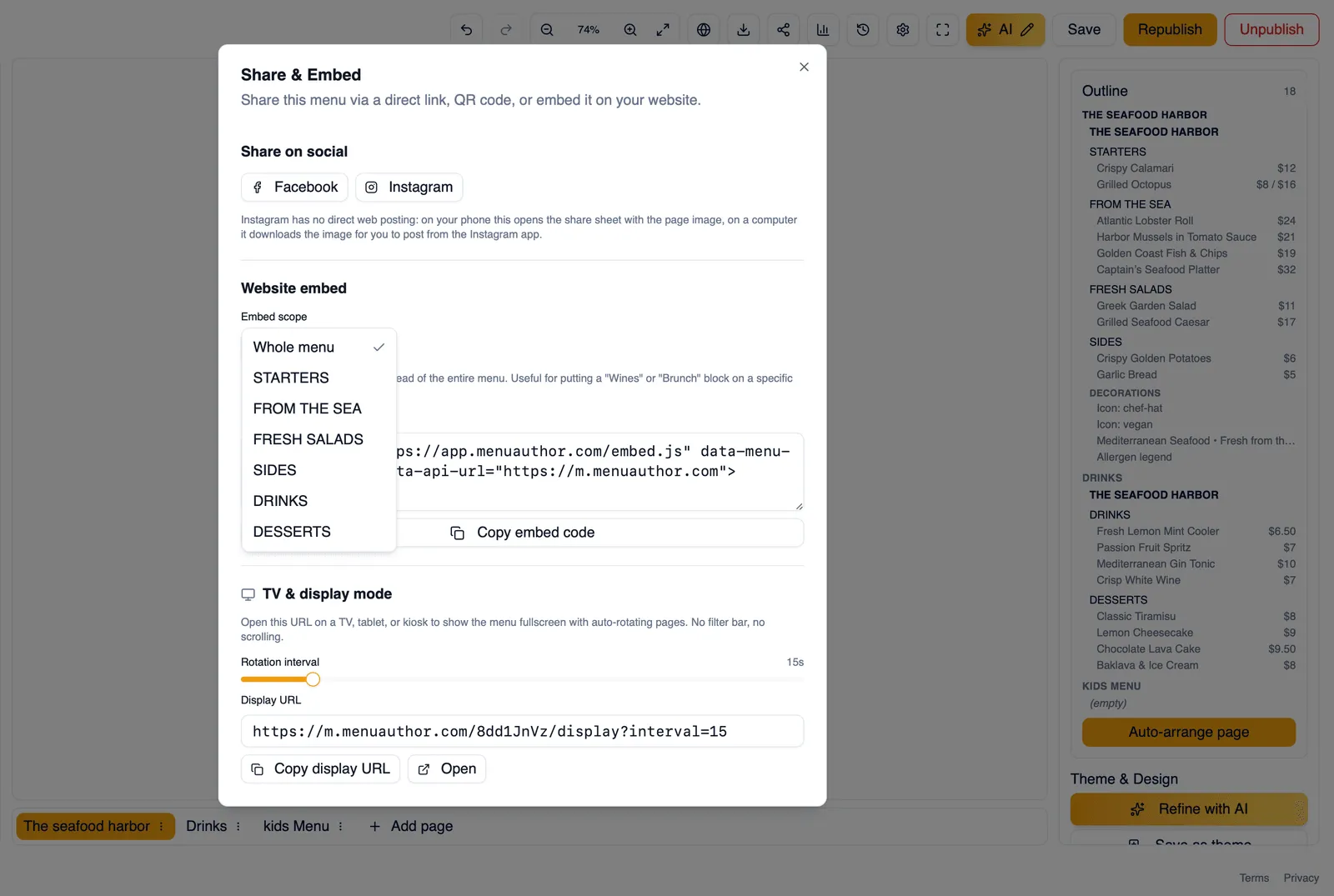
Section titled “Getting your embed code”Open Share & Embed on a published menu and switch to the embed tab. It generates a small piece of code you copy and paste into your own website.
Whole menu or a single section
Section titled “Whole menu or a single section”Choose what the embed shows: Whole menu to embed everything, or pick one section from the list if you only want to show part of your menu, like a drinks list or a lunch section, on a particular page.
Updates automatically
Section titled “Updates automatically”An embed always shows your current published menu. When you make changes and republish, the embed updates on its own. You never have to regenerate or re-paste the code after an edit, only if you want to change the scope or language.
Choosing a language
Section titled “Choosing a language”If your menu has translations, the embed dialog lets you pick which language it shows. See Translate your menu for adding languages and approving translations in the first place.
Sizing your embed
Section titled “Sizing your embed”Your embed code comes with a default size, but every website builder handles the sizing of embedded content a little differently. Some resize automatically, others need you to set a fixed height yourself. Check the guide for your platform below for specific sizing guidance so your whole menu shows without being cut off.
How to embed your menu on any website
Section titled “How to embed your menu on any website”- Publish your menu if you have not already. See Publish your menu.
- Open Share & Embed and switch to the embed tab.
- Choose Whole menu, or pick a single section.
- Choose a language, if your menu has translations.
- Copy the embed code.
- Paste it into the HTML of the page on your own site where you want your menu to appear.
Next, pick your platform: WordPress, Squarespace, Wix, or Webflow.