Get help
However thorough these docs are, sometimes you need a person, or a different kind of guide. Here is where each kind of question goes.
Contact support
Section titled “Contact support”For a question specific to your account or your menus, use the contact form and choose Product support as the topic. The team reads every message and replies within one business day.
Request a feature
Section titled “Request a feature”The fastest way to influence what gets built next is from inside the app. Click the help icon in the top-right of any page and choose Suggest a feature, which includes a screenshot and your account context automatically. If you do not have an account yet, use the feature request form or the contact form instead.
Help from inside the app
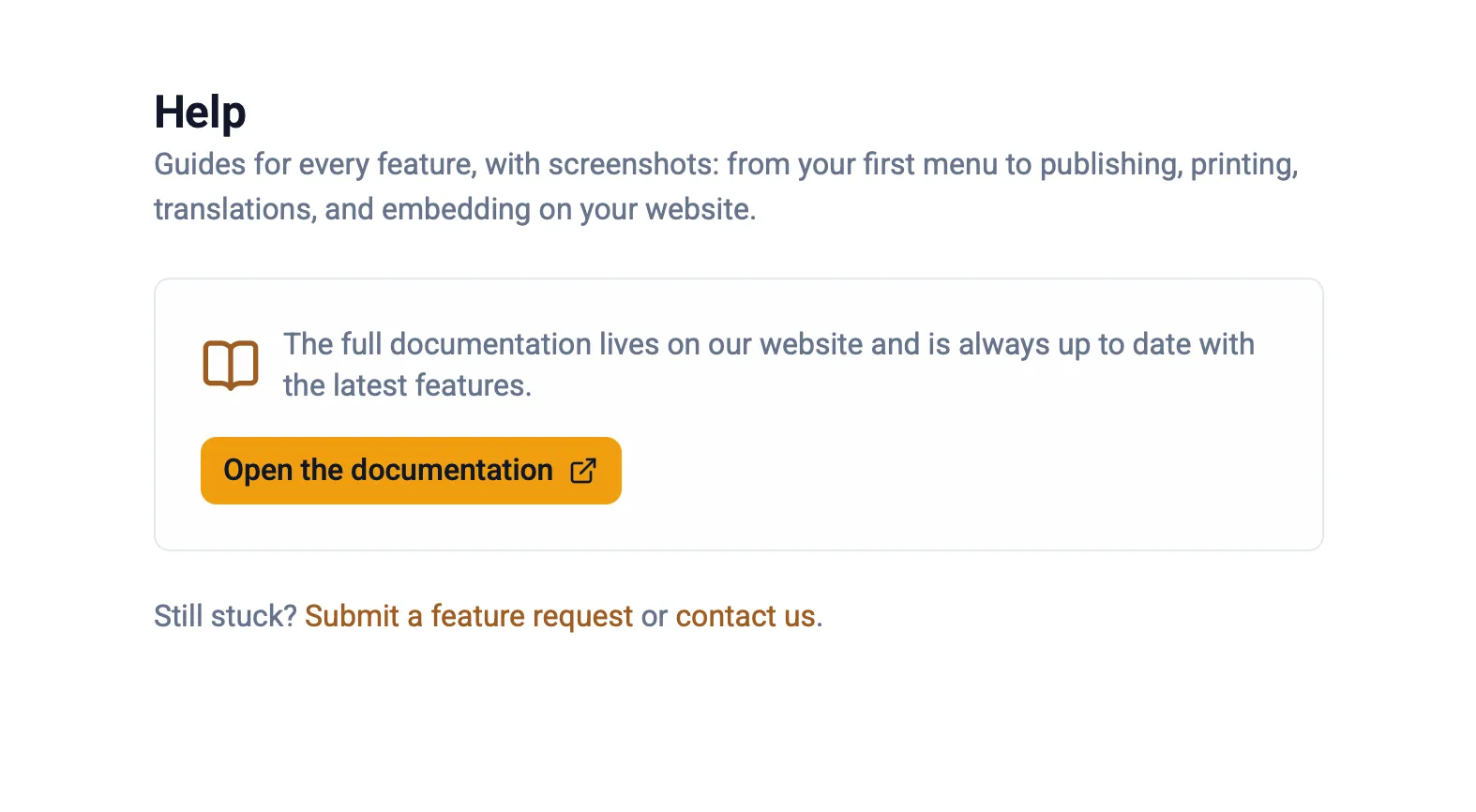
Section titled “Help from inside the app”These docs are the help guide. The Help page in the app, at app.menuauthor.com/help, links straight here so you can open the guide for any feature while you work, and it keeps a Submit a feature request and a contact us link close at hand in case the docs do not answer your question.
How to send a support request
Section titled “How to send a support request”- Open the contact form.
- Choose Product support as the topic.
- Add your name, email, and a few sentences about what is going on.
- Send it. The team replies within one business day.
For everything else these docs cover, see the FAQ or use the search box above.