TV and kiosk display
Beyond a link or a QR code, you can show your menu directly on a screen in your restaurant, a TV behind the counter, or a kiosk at the entrance, using the dedicated display view.
The /display URL
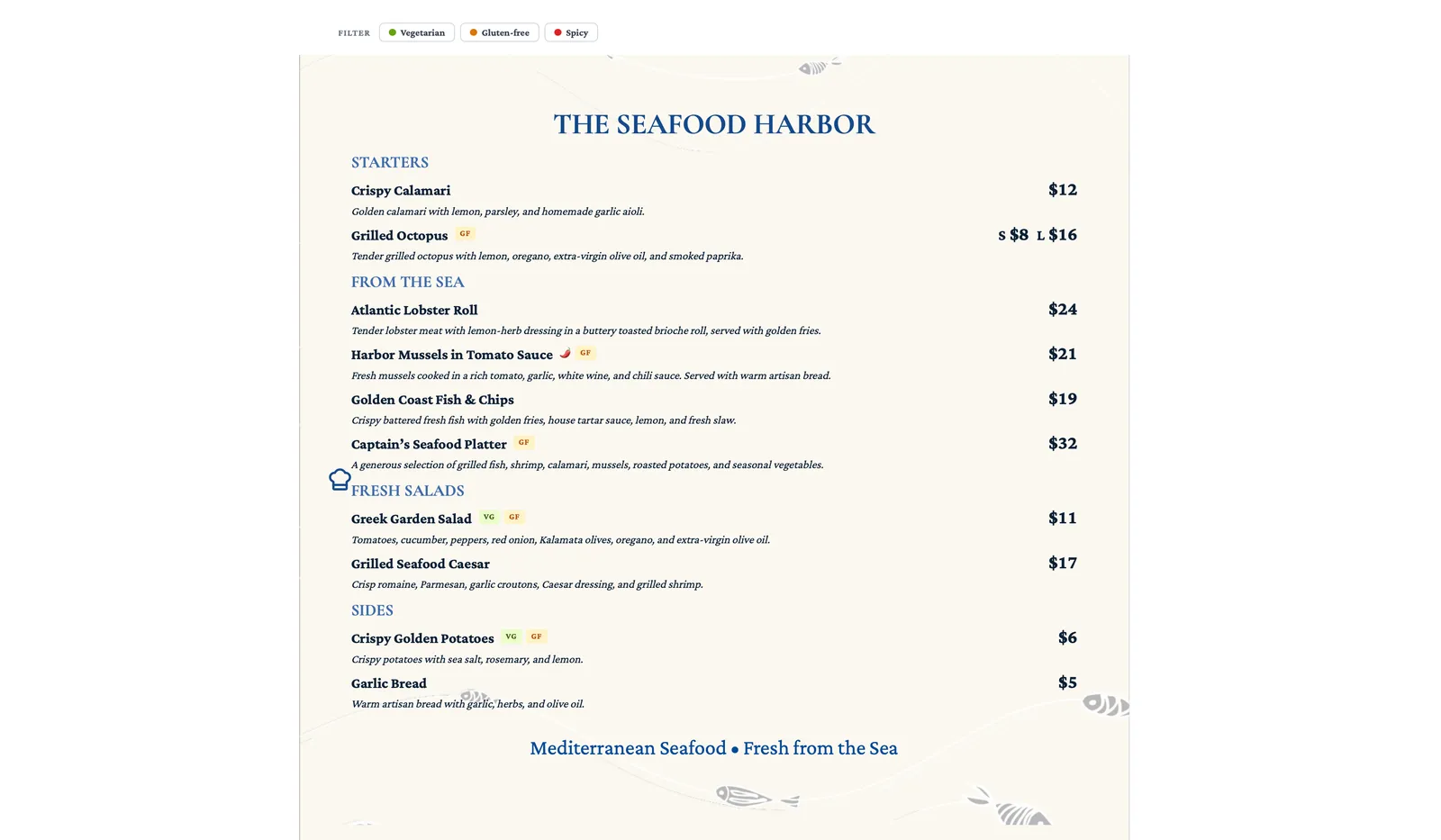
Section titled “The /display URL”Append /display to your menu’s public URL to open the display view, built for a screen rather than a diner scrolling on their phone.
Auto-rotating pages
Section titled “Auto-rotating pages”If your menu has more than one page, the display view rotates through them automatically, so you do not need anyone to stand there flipping pages by hand.
Rotation interval
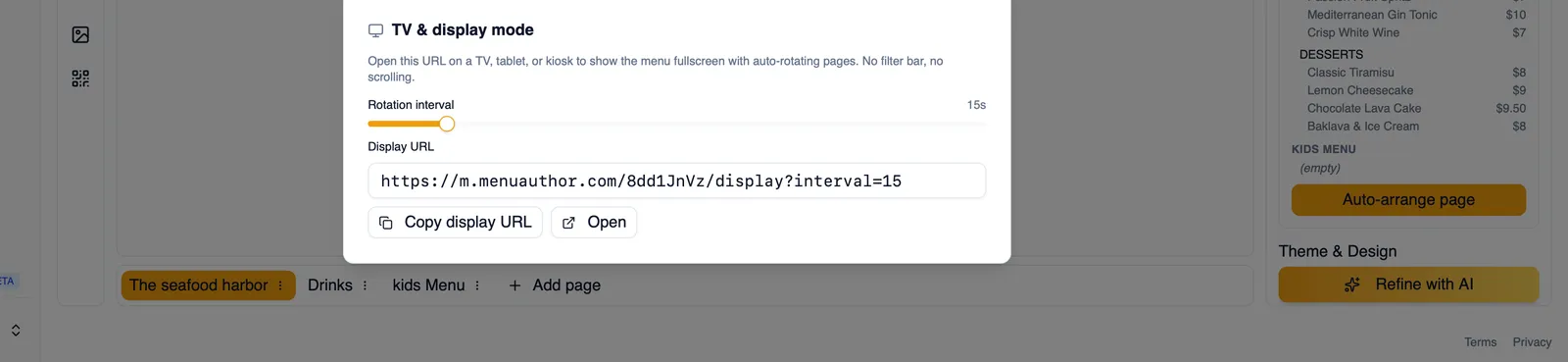
Section titled “Rotation interval”Set how long each page stays on screen before rotating to the next, anywhere from 5 to 90 seconds.
Distraction-free layout
Section titled “Distraction-free layout”The display view strips away the usual page chrome, navigation, filters, and anything else meant for someone browsing on their own, leaving just the menu itself.
Copy or open
Section titled “Copy or open”Copy the display link to paste into whatever device is driving your screen, or open it directly from Menu Author.
Previewing a draft menu
Section titled “Previewing a draft menu”You can preview the display view for a menu that is not published yet, as long as you are signed in. It works the same way, just for your own eyes while you are still getting things ready.
Works in any browser
Section titled “Works in any browser”The display view works in any browser, so it runs on a smart TV’s built in browser, a cheap streaming stick, or a spare tablet just as well as a computer.
How to set up a TV display in your restaurant
Section titled “How to set up a TV display in your restaurant”- Publish the menu you want to show, or use the authenticated draft preview if you are still finishing it.
- Open Share & Embed and get the display link, or add
/displayto the menu’s public URL yourself. - Set the rotation interval, anywhere from 5 to 90 seconds, to match how long diners need to read each page.
- Copy the link and open it on whatever screen or device you are using in your restaurant.
Next, see Share on social media for getting your menu in front of diners who are not standing in front of a screen.