Create your account
Setting up Menu Author takes a few minutes, and there is no password involved at any point. This page walks through creating your account, signing in, and creating your first restaurant, the last step before you land in the menu wizard.
Sign up
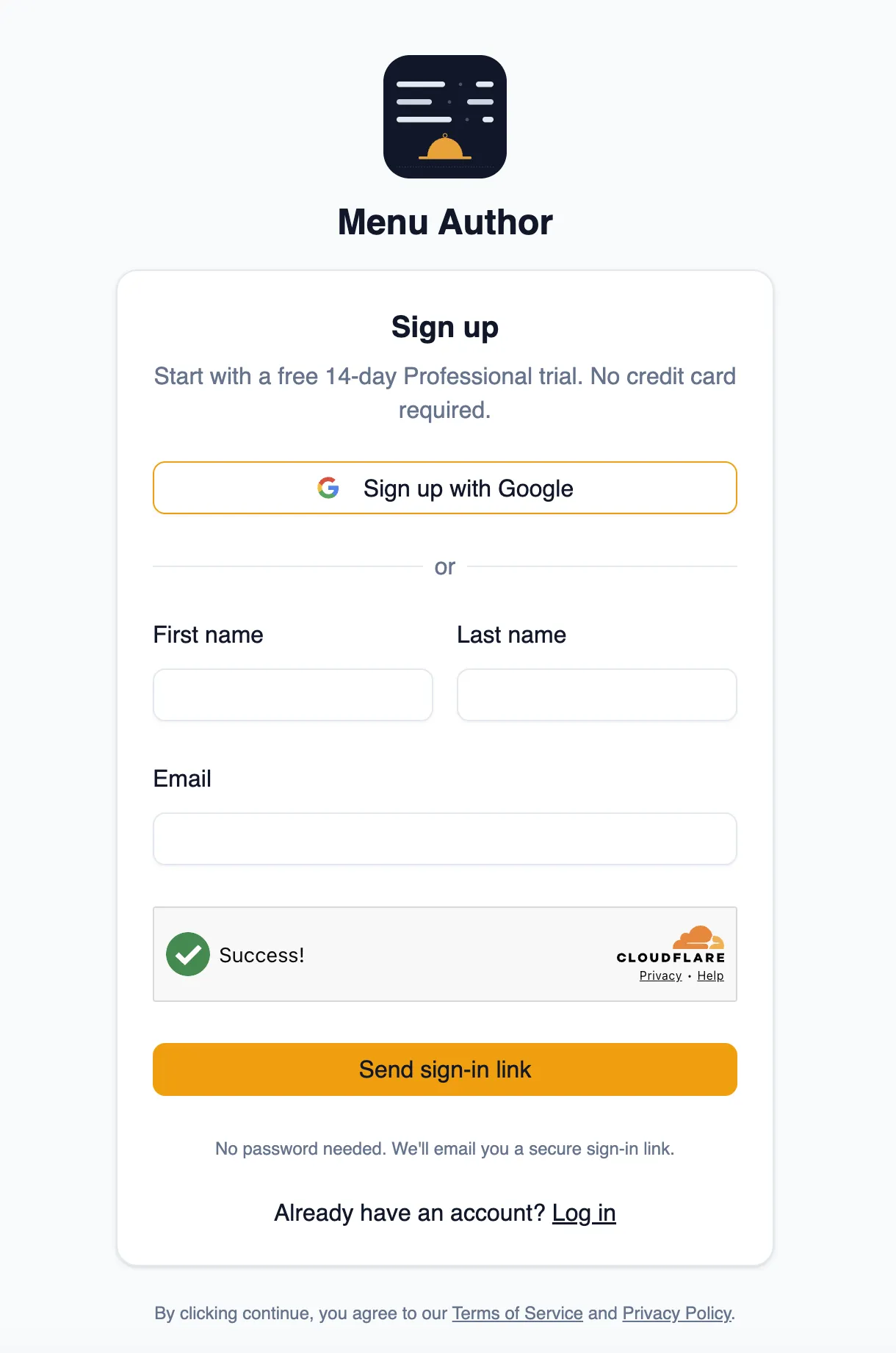
Section titled “Sign up”Go to the screen where you sign up and choose how you would like to create your account: enter your name and email and Menu Author emails you a sign-in link, or use Sign in with Google to sign up with your Google account in one click. Either way, there is no password to invent, remember, or reset.
Check your email
Section titled “Check your email”If you signed up with your email, open your inbox and click the sign-in link. That one click both signs you in and confirms the address is really yours, so there is no separate verification email to deal with. If the message has not arrived after a minute, check your spam or promotions folder, as the check your email screen reminds you up front. If the link is there, mark it as not spam so future emails reach your inbox. The same screen lets you resend the link after a short wait, or start over with a different address if you spot a typo.
You can open the link on a different device than the one you signed up on. As a safety measure, Menu Author asks you to retype your email address there before signing you in.
Set up your account
Section titled “Set up your account”The first time you sign in, Menu Author asks for two things: your business name and, if you have one, your website. That is all. Your business address is not part of signing up; you can add it later in your account settings, where every field is optional.
Signing in later
Section titled “Signing in later”Returning works the same way: enter your email to receive a fresh sign-in link, or use Sign in with Google. Each link is for one sign-in; request a new one whenever you come back on a device where you are signed out.
Your 14 day Professional trial (no credit card)
Section titled “Your 14 day Professional trial (no credit card)”Every new account starts on a free, 14 day trial of the Professional plan. No credit card is required to start it, so you can explore Menu Author’s features right away without setting up billing.
Create your first restaurant
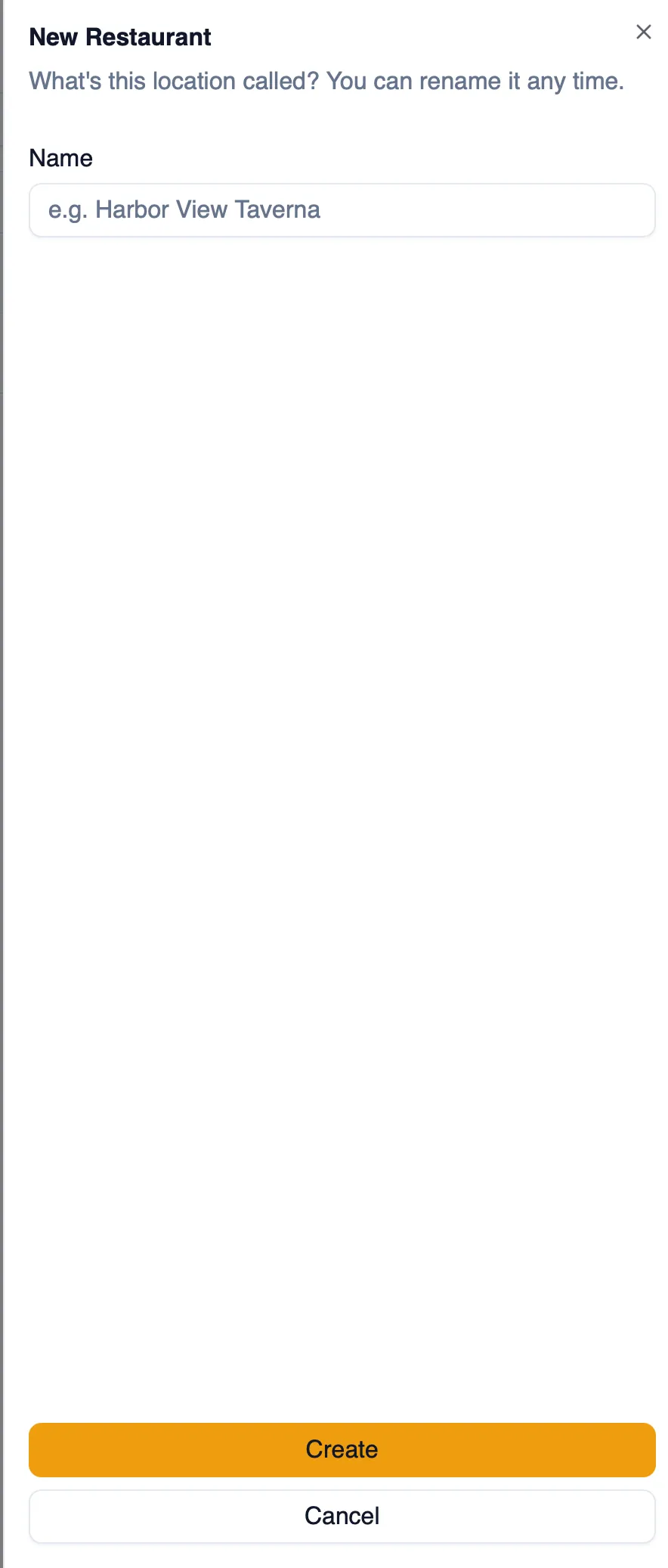
Section titled “Create your first restaurant”Before you can build a menu, you need a restaurant to attach it to. Give your restaurant a name and Menu Author creates it and takes you straight into the menu wizard, with a getting started checklist alongside you the whole way.
How to sign up and create your first restaurant
Section titled “How to sign up and create your first restaurant”- Go to the screen where you sign up and enter your name and email, or choose Sign in with Google.
- If you signed up with email, open your inbox and click the sign-in link. It signs you in and confirms your address in one step.
- Enter your business name, and your website if you have one, to set up your account.
- Your account starts on the free 14 day Professional trial automatically, no credit card needed.
- Enter a name for your restaurant and confirm.
- You land straight in the menu wizard, with the getting started checklist ready to guide your next steps.
With your restaurant created, you are ready to build your first menu. Continue to Quick start: your first menu.